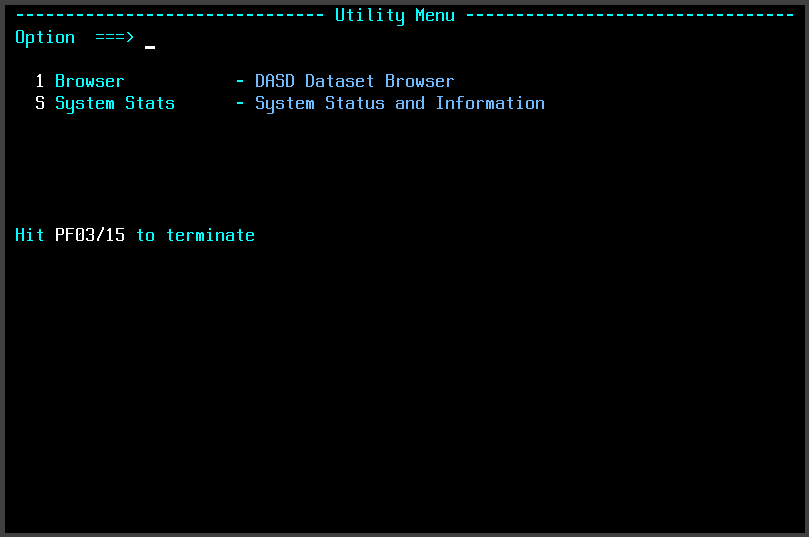
Utility Menu
The Utility Menu provides a common launching point for the MVS utility programs. The current menu provides access to the Dataset Browser and the System Status and Information utility.
The menu provides a simple full-screen interface for selecting a utility rather than requiring each program to be invoked separately from TSO.
Dataset Browser
Browse blocks of a dataset on a DASD device.
System Status and Information
Display MVS system, address-space, device, paging, enqueue, and storage information.
Downloads
Source code and the MVS load modules for the Utility Menu and other MVS utilities are available from the utility downloads page.
MVS Utility Downloads